Resources / Remove Demo Legal Entities
DEVELOPER GUIDE
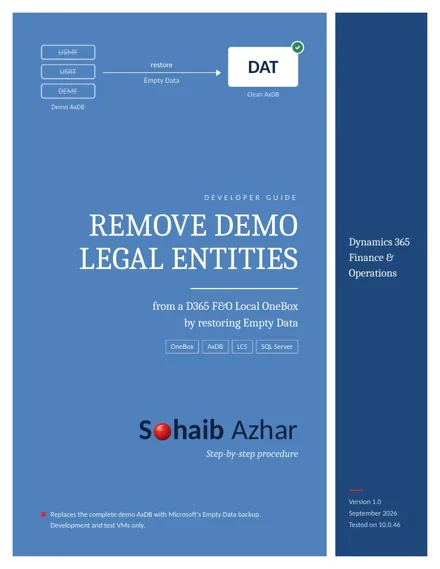
Remove Demo Legal Entities
from a D365 F&O Local OneBox by restoring Empty Data
What you'll end with
A clean, DAT-only AxDB ready for your own legal entities, with a tested rollback at every step.
In this guide
- Important clarification
- Required matching versions
- Download the Empty Data package from LCS
- Back up the existing AxDB
- Extract and validate the .bak
- Stop D365 services
- Restore Empty Data over AxDB
- Repair axdbadmin
- Generate certificates, only if needed
- Database synchronization and administrator provisioning
- Confirm only DAT remains
- Clean recovery backup and rollback
Read the full guide
For the best reading experience on a phone, open the PDF in its own tab. You can also download it for offline use.
Open PDF ↗