Resources / Build a Local OneBox VM
DEVELOPER GUIDE
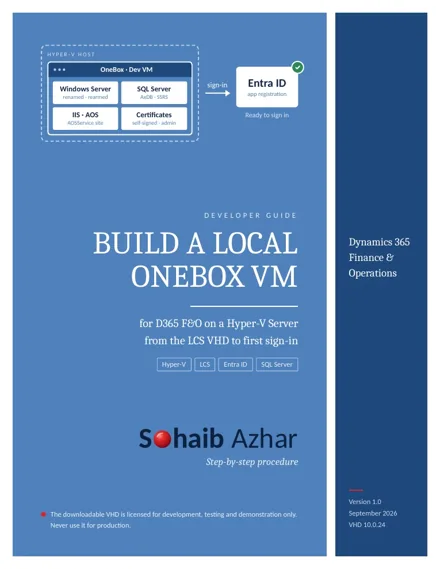
Build a Local OneBox VM
for D365 F&O on a Hyper-V Server, from the LCS VHD to first sign-in
What you'll end with
A renamed, rearmed OneBox VM with SQL Server, Reporting Services and certificates configured, and D365 sign-in working against your own Microsoft Entra tenant.
In this guide
- Before you begin
- Connect to the Hyper-V server over RDP
- Download the VHD parts from LCS
- Build the VHD from its parts
- Create the virtual hard disk
- Create the virtual machine
- Adjust VM settings before the first start
- Start the VM and sign in
- Rename the machine
- Change the Administrator password
- Rearm the Windows evaluation licence
- Configure the network adapter
- Rename the SQL Server instance
- Check the Reporting Server configuration
- Install extra tools
- Register the app in Microsoft Entra ID
- Generate self-signed certificates
- Provision the administrator
- Disable two services
Read the full guide
For the best reading experience on a phone, open the PDF in its own tab. You can also download it for offline use.
Open PDF ↗